01
Under 10 seconds
Open the app, scan, done, the goal is to confirm the punch in under ten seconds.
QR and NFC device + Apps + WebApp
Your team clocks in within seconds with a QR code or NFC, and you see everything live on a clear WebApp, no employee biometric data, unlimited users.
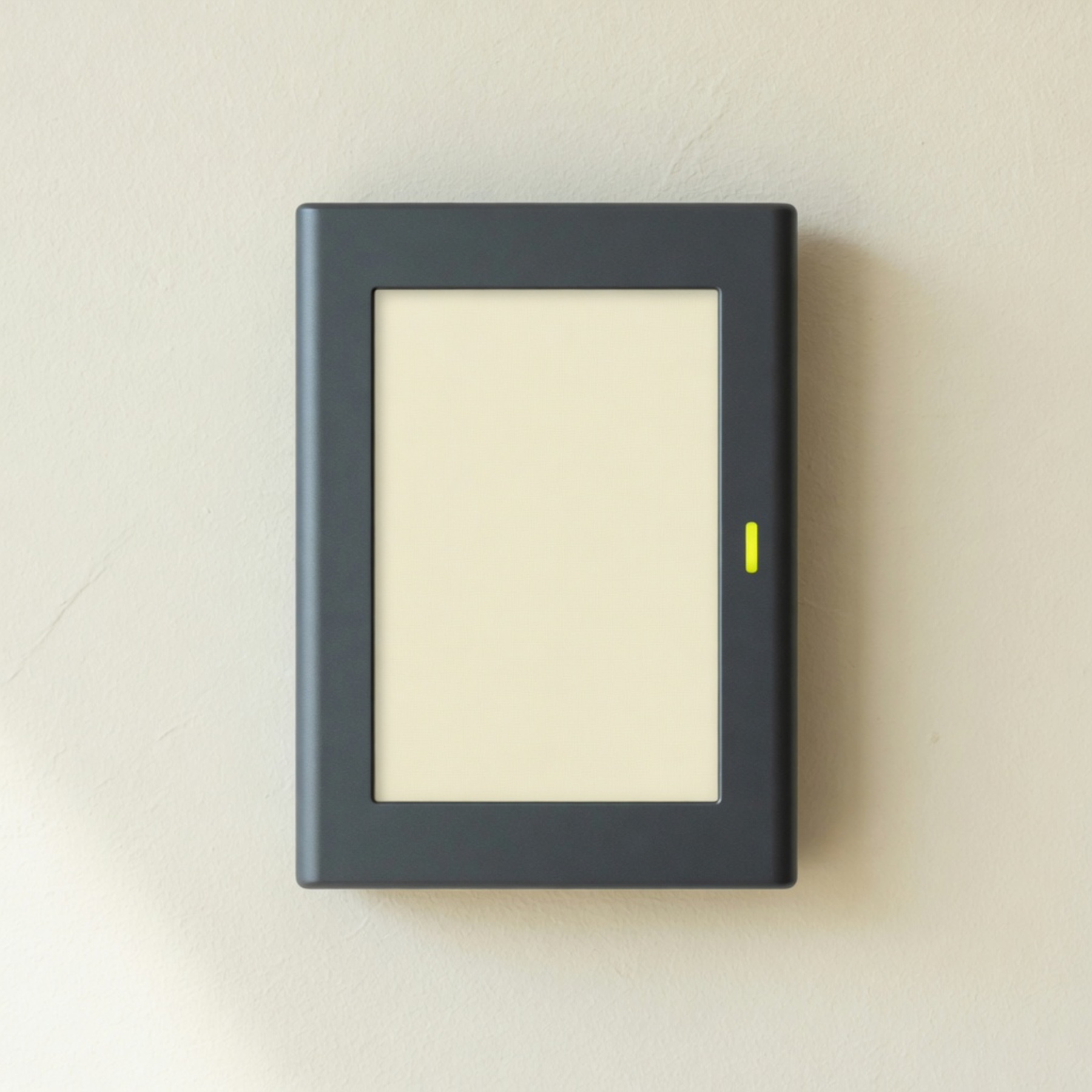
A device at the door, they scan the QR or tap their phone by NFC, done, they’re clocked in, and you see who’s inside, no fingerprint and no face.
€59.99€49.99 / month per device
No lock-in · Ships in 24h · Taxes not included
There is also location clock-in, no device: €19.99 a month, unlimited employees.
Andina Foods
09:00
https://idclock.app
The employee scans the QR, or taps their phone or an NFC card on the device, and the system decides in or out according to their work shift.
01
Open the app, scan, done, the goal is to confirm the punch in under ten seconds.
02
No fingerprint, face, not even voice, scan the QR or tap the phone by NFC with the IDClock app, or tap an NFC card, simpler to use.
03
The employee never chooses in or out, the system decides, with no room to get it wrong.
04
Unlimited users, you pay for the complete QR and NFC attendance system, not per employee.
05
The QR changes on its own and there is no log-out, only an admin can unlink a phone.
06
Admin and Supervisor invite the team, configure everything, watch the day live and export reports.
07
Attendance and absence history exports clean and ready for payroll.
08
Punches go automatically into the payroll system you already use (after setup).
09
Included and installed, if it fails we replace it, if you cancel we send a return label.
We stay with you through install, we do not leave you with an instruction PDF.
Ships within 24 hours. Free shipping for a limited time.
Connect it to the office Wi-Fi, set it up, and hang it at the entrance.
You invite them from the WebApp, they install the app and sign in with your invite.
They open the app and point at the QR, or tap their phone or an NFC card on the device, and clock in within seconds.
For the team that works away from a fixed site. The employee clocks in from their phone, and the punch records the location at that moment.
The employee opens the app and taps Clock in. The app reads the location once and saves the punch.
A site with no device still keeps a legal work-hours record.
One reading at the tap, never in the background, and no biometric data.
A device at the door with QR and NFC, or location clock-in with no device. No lock-in on either plan, you do not pay per employee.
QR and NFC clock-in
€59.99
€49.99
per month, per device
Ships within 24 hours
Location clock-in
€19.99
per month, unlimited employees
Prices do not include VAT.
No, you choose how many devices you need, each extra device comes with a discount.
Yes, they install the IDClock App on iOS or Android, sign in with the admin invite, and clock in by scanning the QR or tapping their phone on the device by NFC.
Yes, the device takes QR and NFC punches, on the same plan and at no extra cost. The employee taps the phone with the IDClock App on the device, or taps an NFC card. The location plan has no device, so it does not use NFC.
No, no biometric data, attendance is with the IDClock App and a dynamic QR or NFC, and we do not store photos or physical traits.
An admin or supervisor unlinks the old phone from the WebApp and sends a new invite, the employee cannot log out in the app, on purpose, to prevent fraud.
Yes, the WebApp produces configurable, exportable reports for payroll or other systems, and there are integrations with other systems.
No lock-in on either plan. On the device plan the device comes with the subscription, it is not sold, and if you cancel we send a return label. The location plan has no device, so this does not apply.
You connect it to the office Wi-Fi, set it up and hang it at the entrance, it is ready in minutes, and we can stay with you that day if you want.
Not all the time, Wi-Fi keeps the clock accurate, and if the internet drops the device keeps taking punches.
Yes, you can have as many as you need and there is a discount if you take several.
Yes, if you pay the year up front you get 12 months of service for the price of 10 months.
Leave your details and we will get in touch, no commitment.
Or write us directly
hello@idclock.app